Features
The mobile.de plugin's features in action
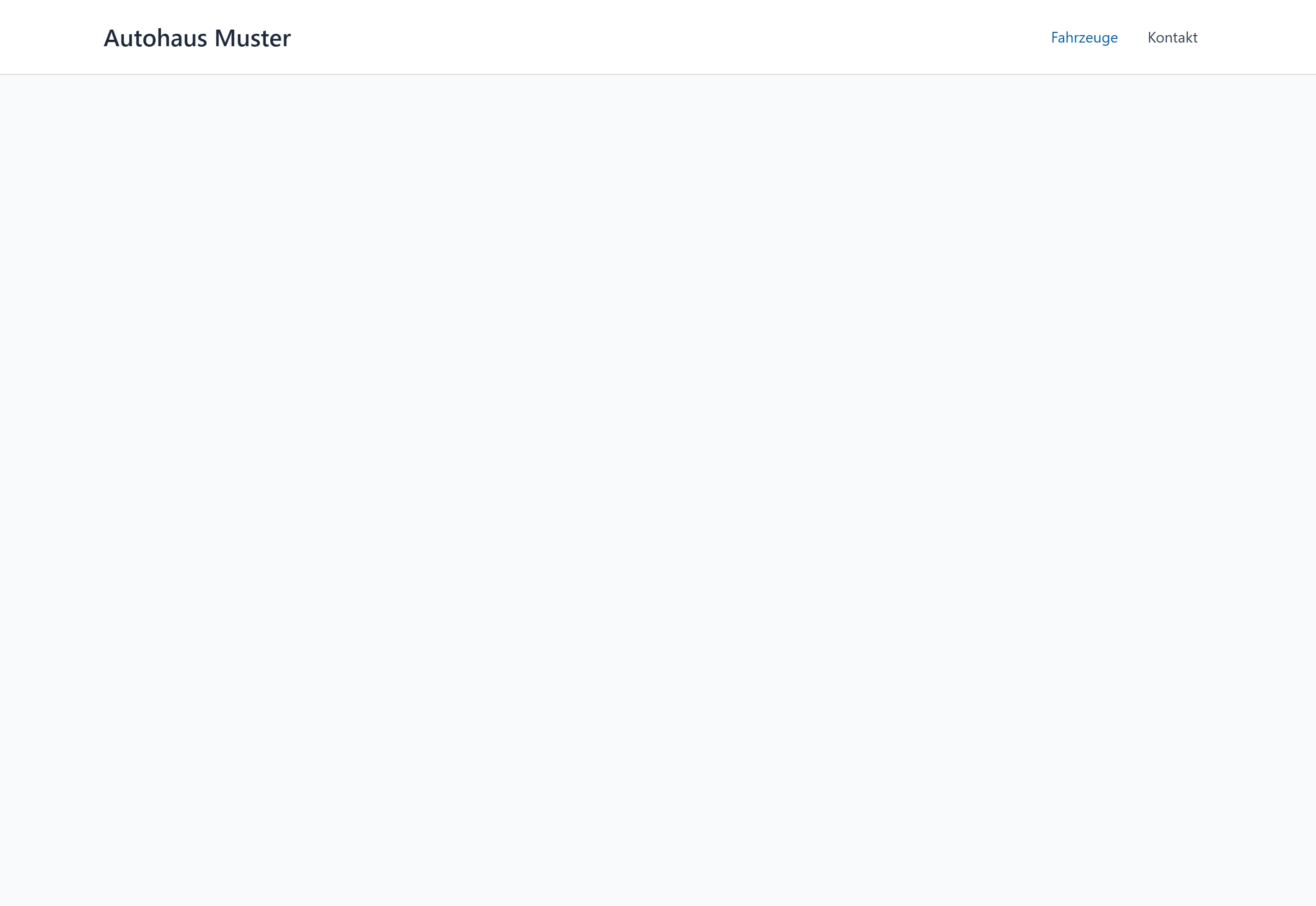
The vehicle search of the BasisCars mobile.de plugin in a fresh WordPress installation. It starts as an empty page. Scroll, and it fills up.
Customers find what you have
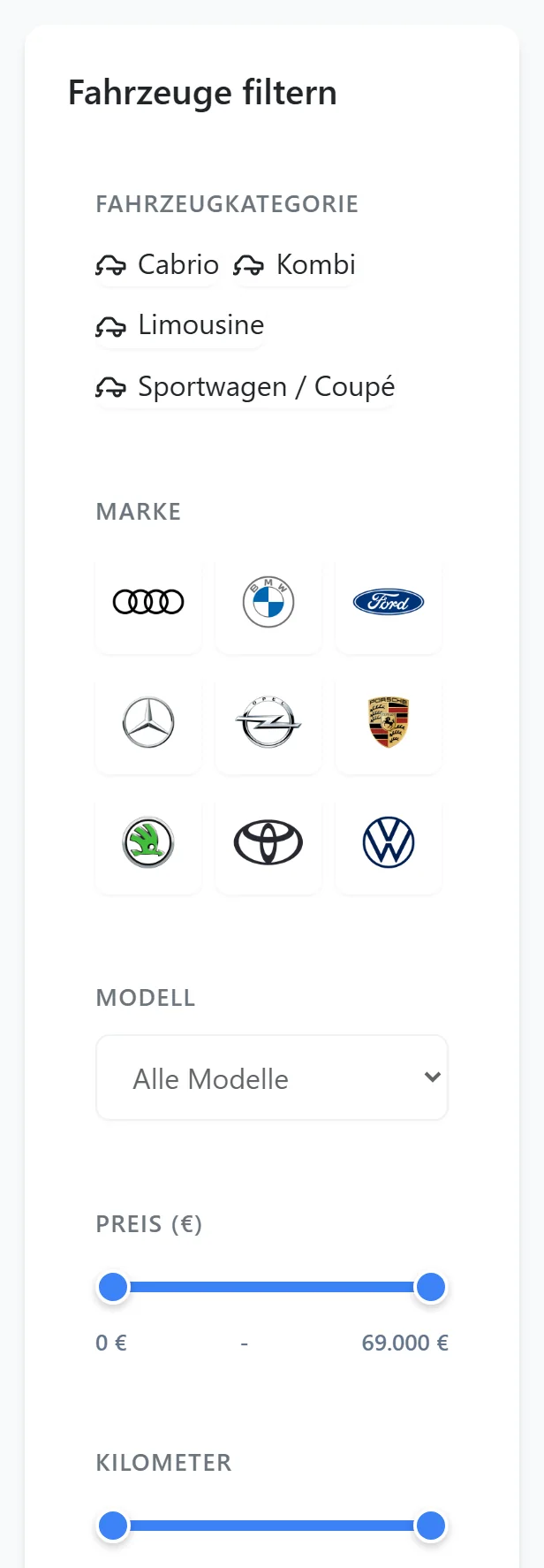
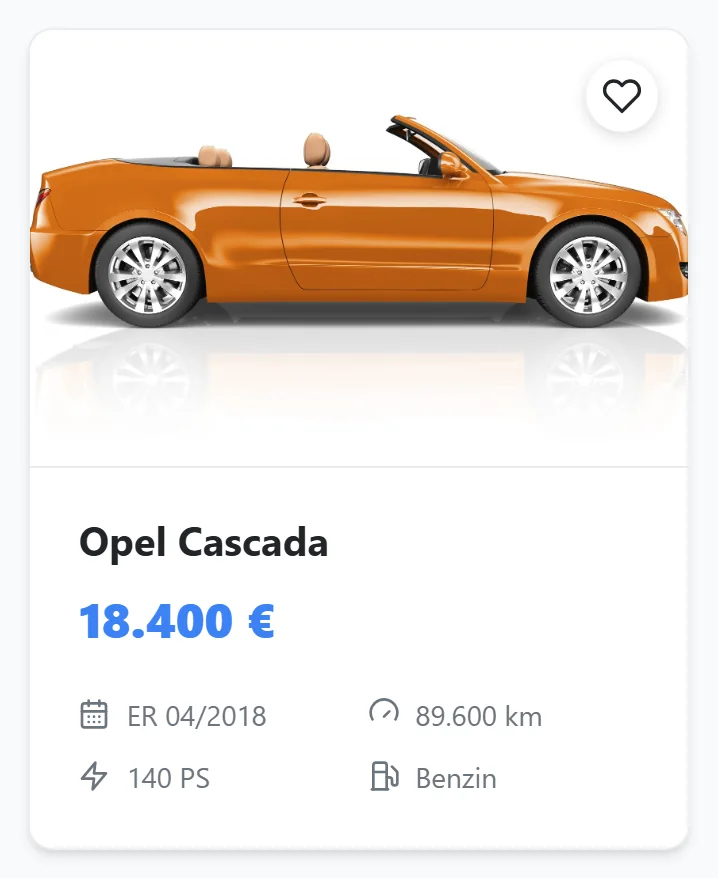
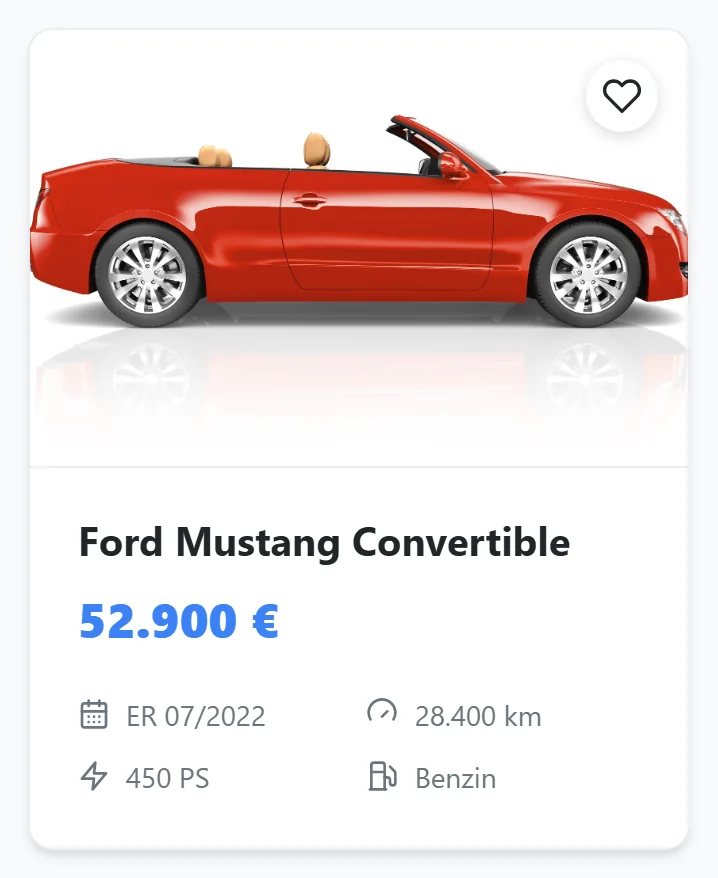
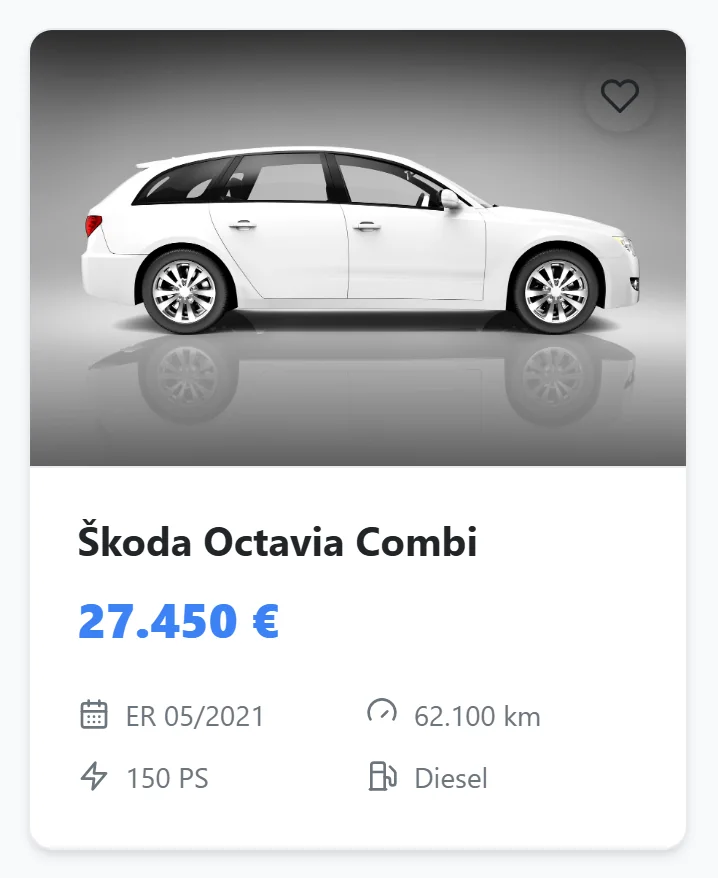
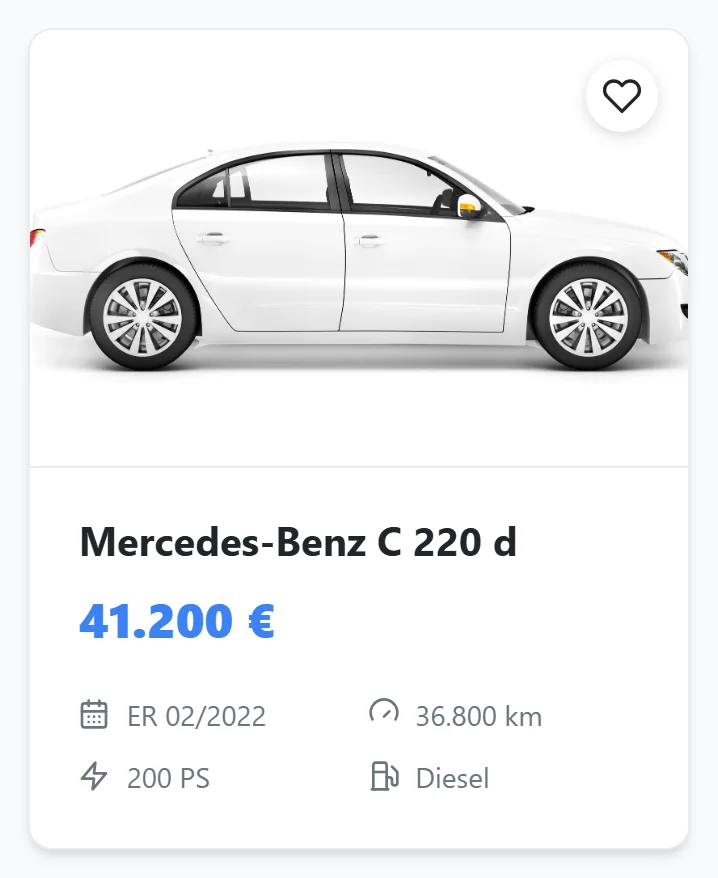
Make, price, mileage, colour: within seconds the choice is down to three cars. And only what you actually have shows up. No empty results, no disappointment.
People know a badge on sight
Customers spot their make before they read it. One tap on the badge and only their cars are left. Faster than any list.
By price, by age, by mileage
Watching the budget? Sort by price. Looking for low mileage? Sort by kilometres. Either way it is one click.
Big pictures, clear prices
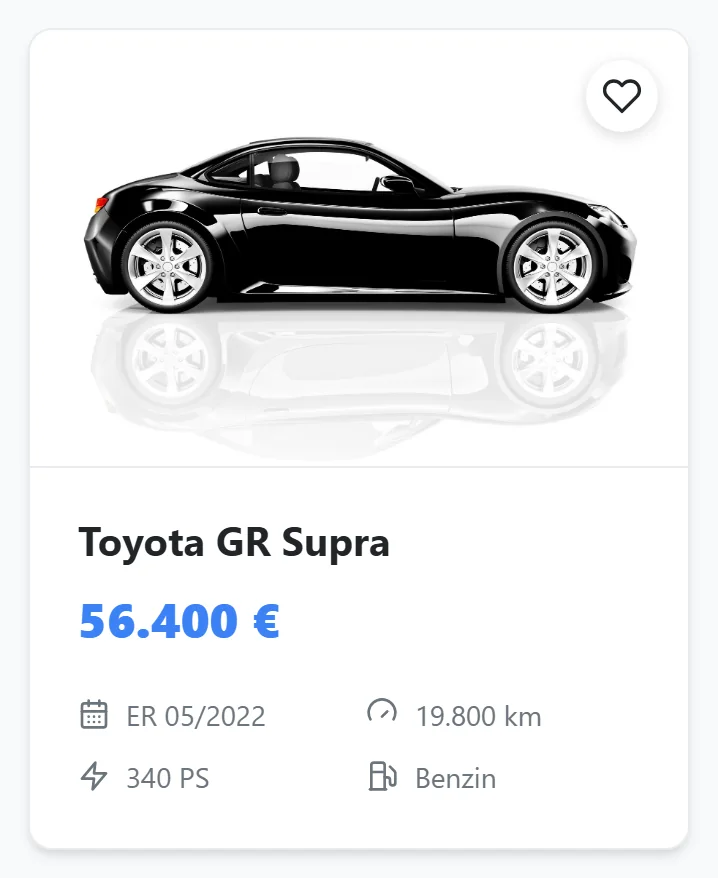
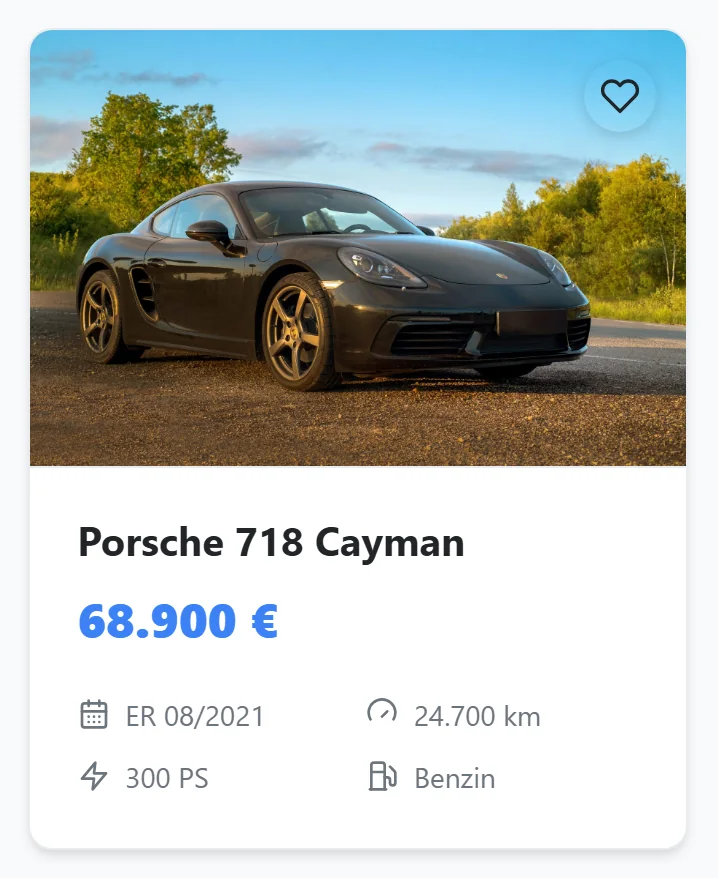
Not a spec sheet, a shop window. People scroll and stop, instead of working through a table.
Everything that matters at a glance
Price, year, mileage, power: what people ask about first is already on the tile. Plus a heart in the corner to save a car for later.
A selection people can share
A customer sends their three favourites to their partner, who sees exactly the same list. That brings you visitors who already know what they want.
The vehicle page
Every vehicle gets
a page of its own
Google lists every vehicle page on its own. Someone searching for that exact car lands on your site instead of a marketplace.
The car at full size
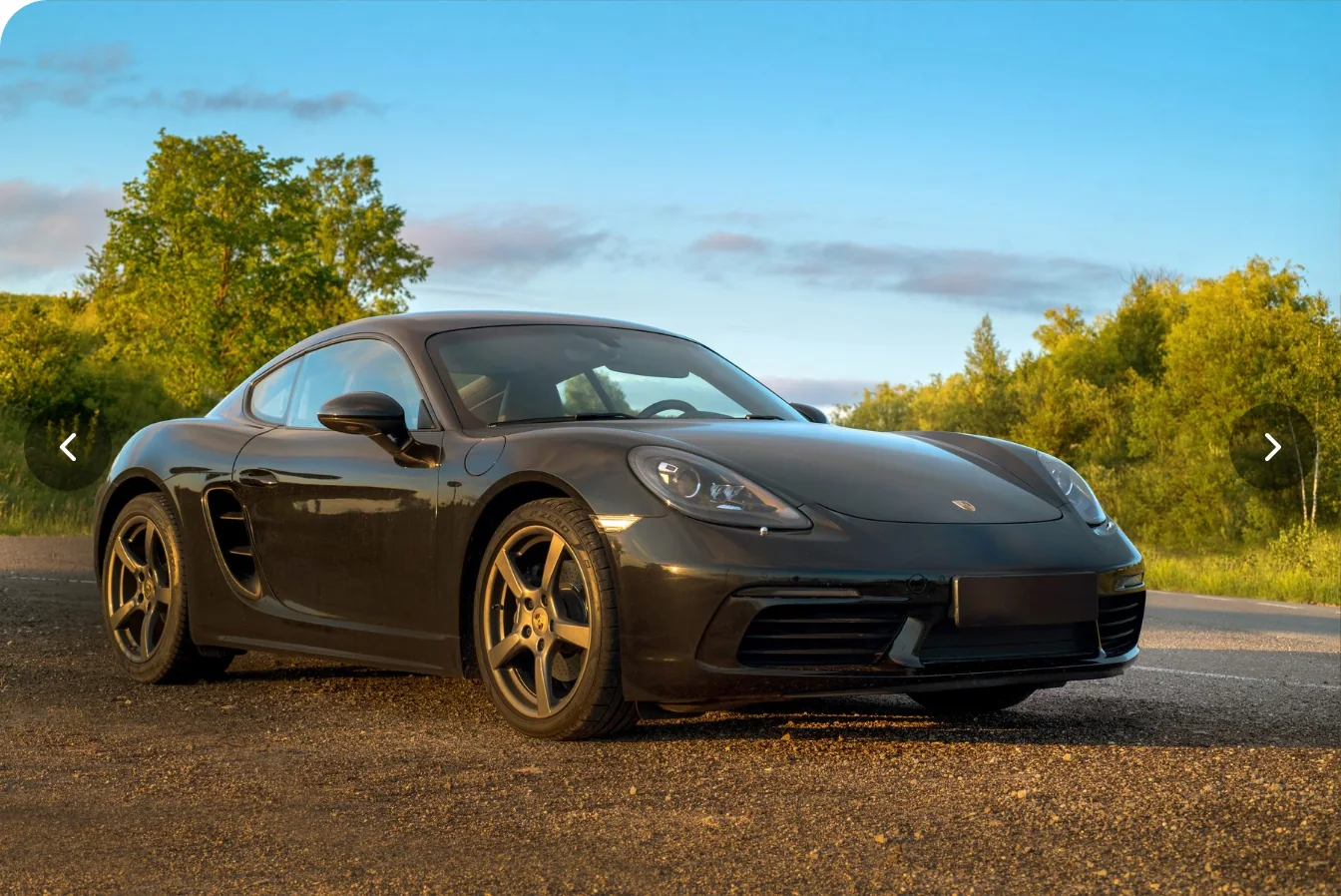
As big as on the large marketplaces, only on your own site. This is the moment someone decides they want the car.
Swipe through without waiting
One tap and the next photo is there. Nothing jumps, nothing reloads. People keep browsing.
From looking to asking
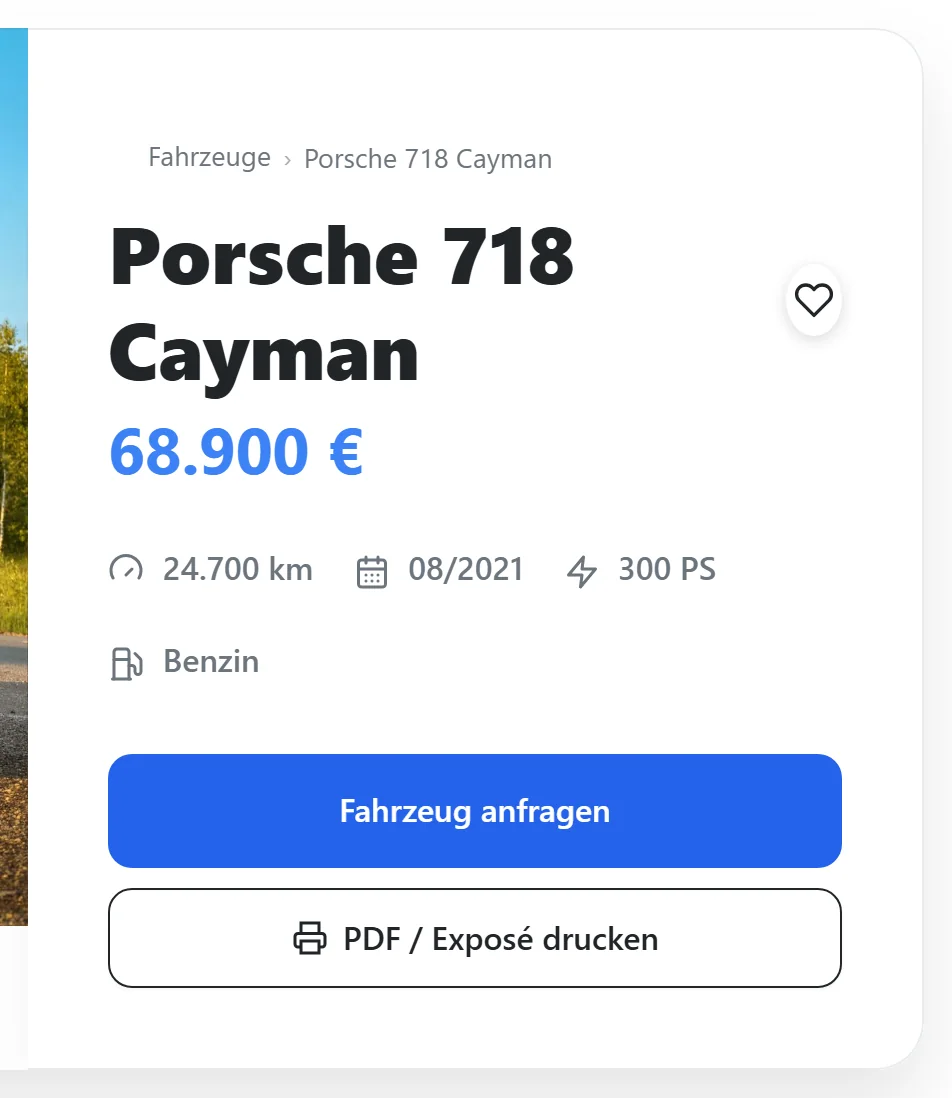
Price and key figures sit right beside it, with the button below. A visitor becomes an enquiry without leaving the page.
Everything else they want to know
Data, description, equipment, more photos and similar cars from your inventory. So nobody goes back to a marketplace to compare.




Enquiries
Asking where the question comes up
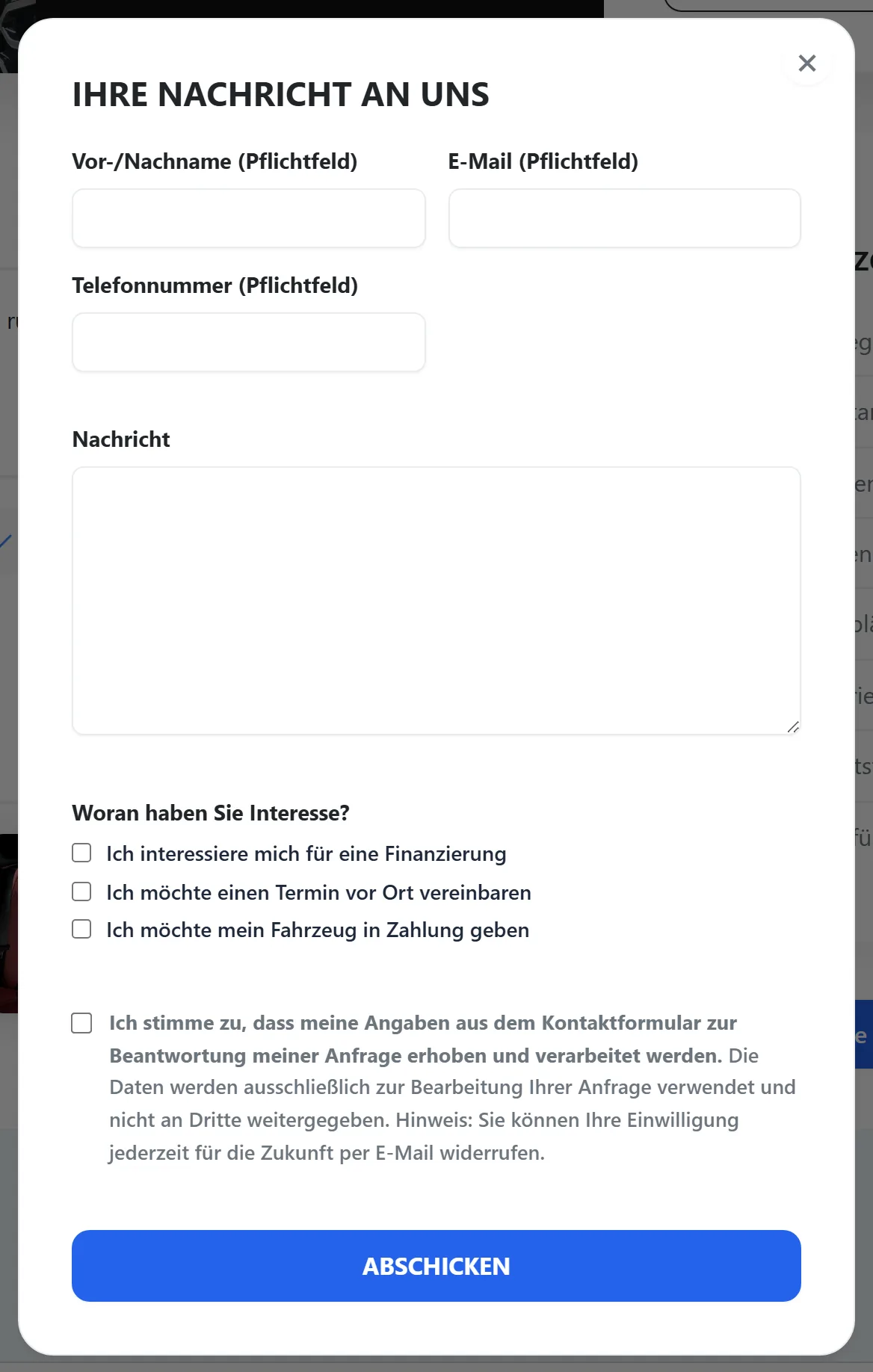
The form sits right under the car, either as a panel or a pop-up. With the three checkboxes your customers know from mobile.de: financing, an appointment, part exchange.
Leads
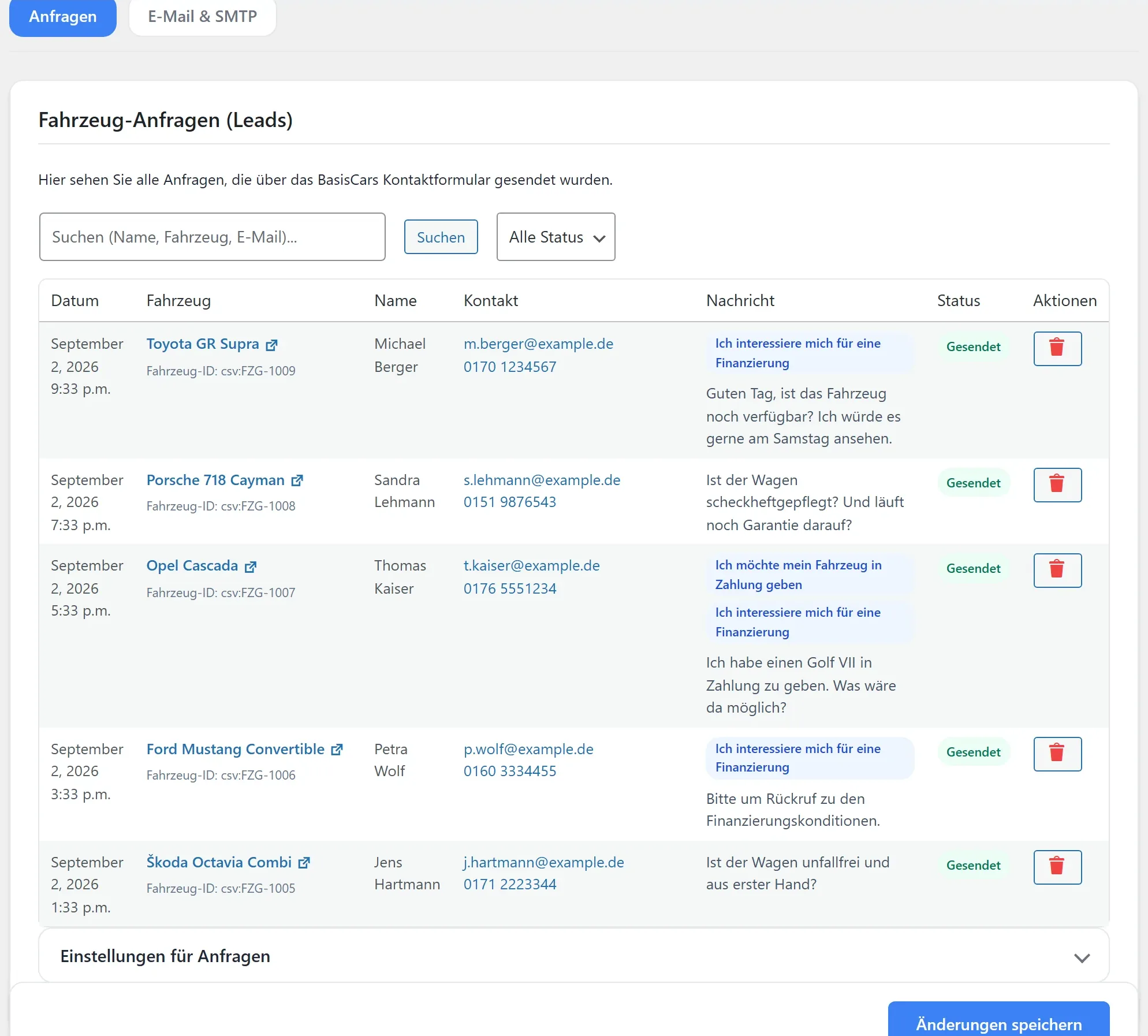
No enquiry gets lost
Every enquiry arrives by email and is also stored in WordPress. If the email lands in spam, the customer is still not lost. You see at a glance who is waiting for what.
Your page
Your page, not the plugin's
The same vehicle page, arranged differently. You click through until one of them fits your website.
And which block goes where below, you drag into place. Without a developer. What goes beyond that is on the Designs page; what a dealer website needs as a whole is in the car dealer website guide.
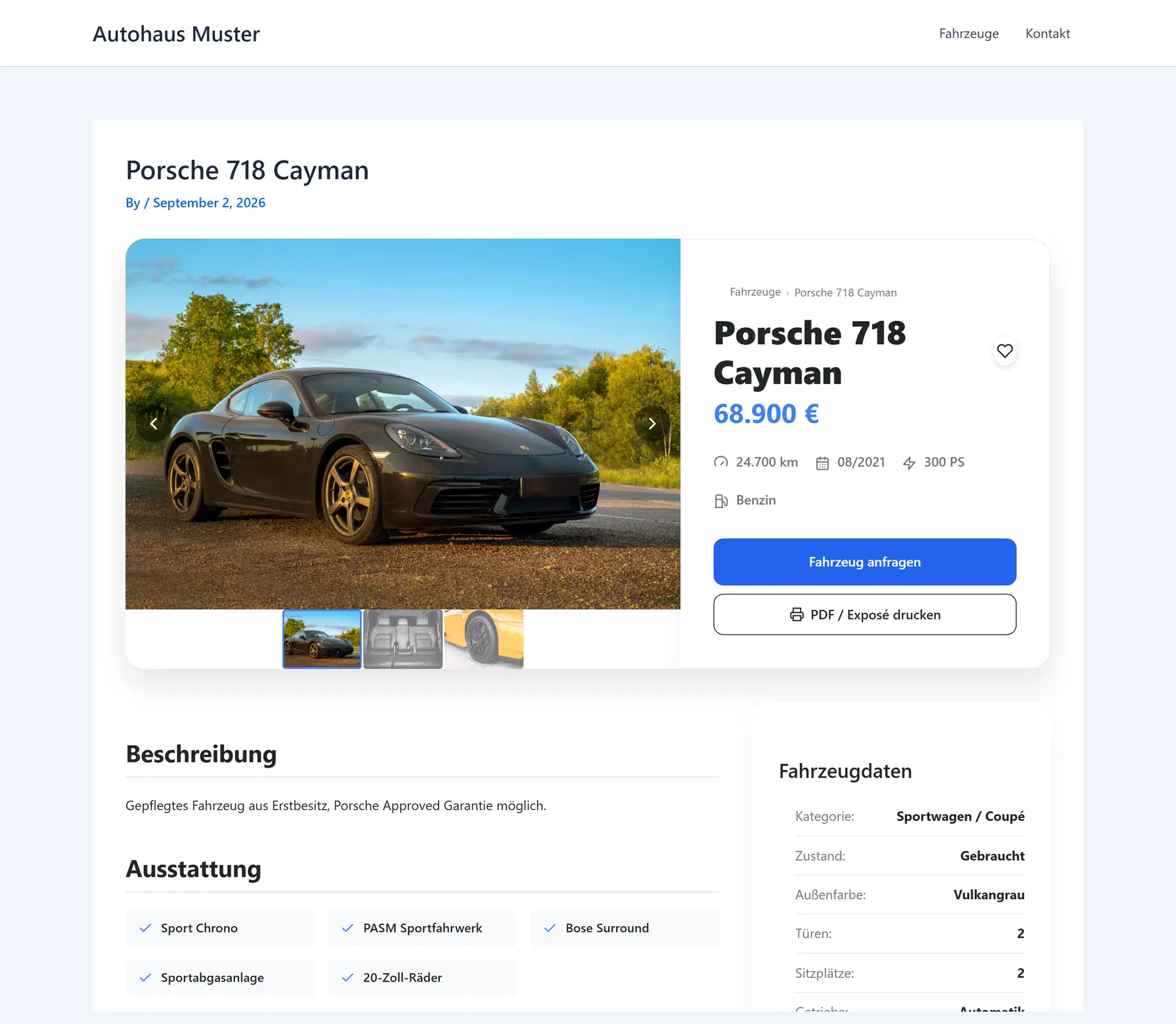
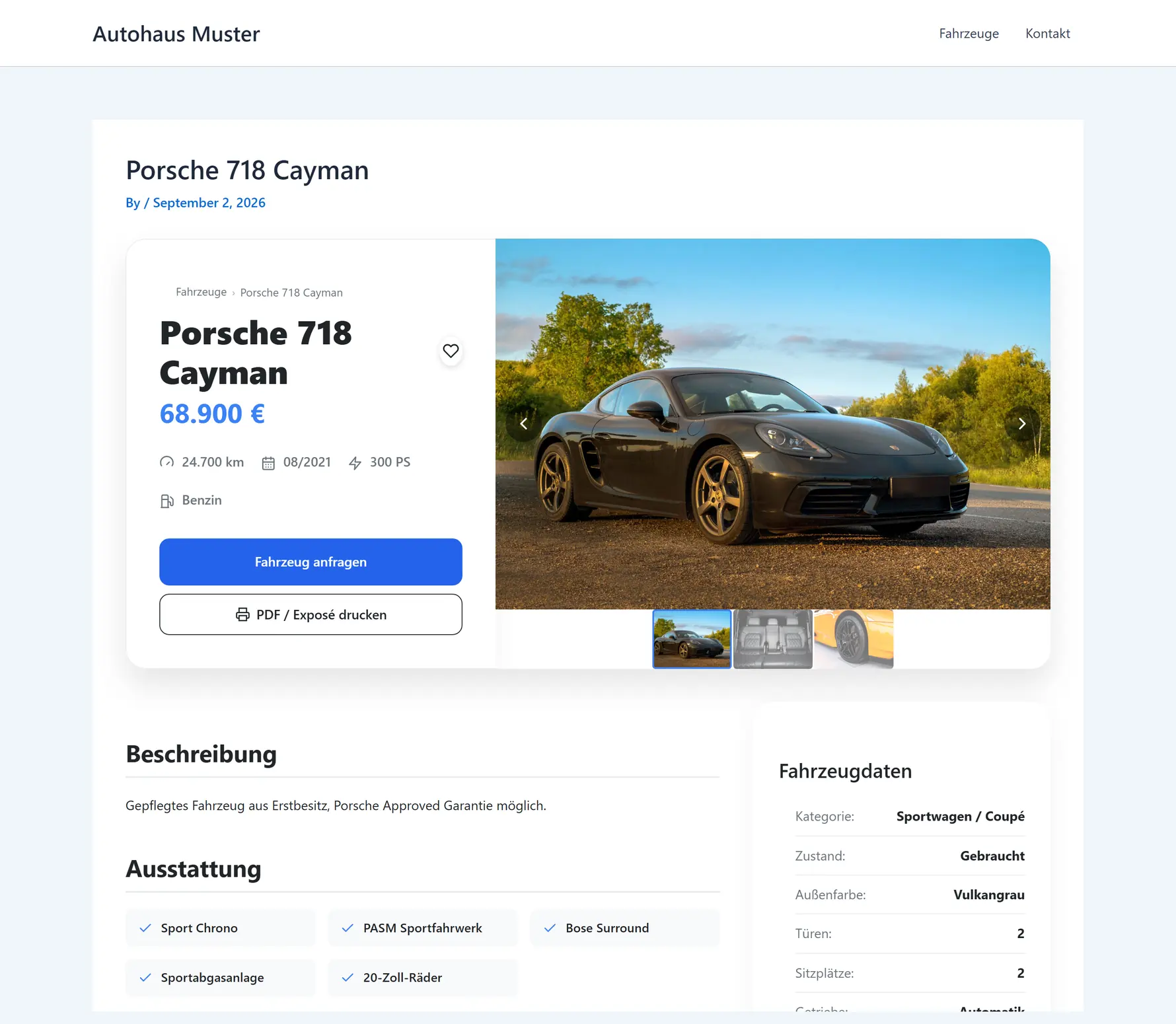
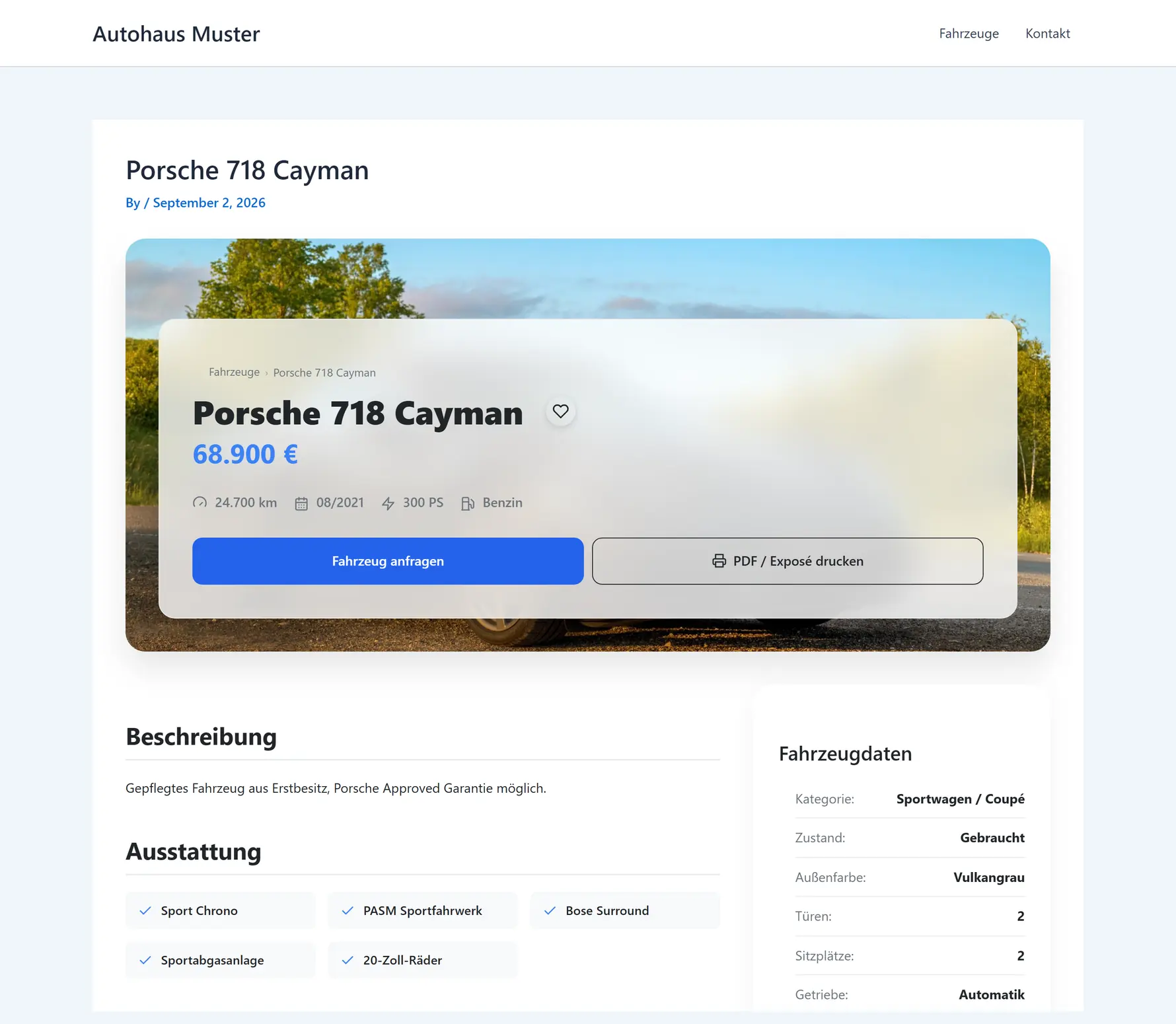
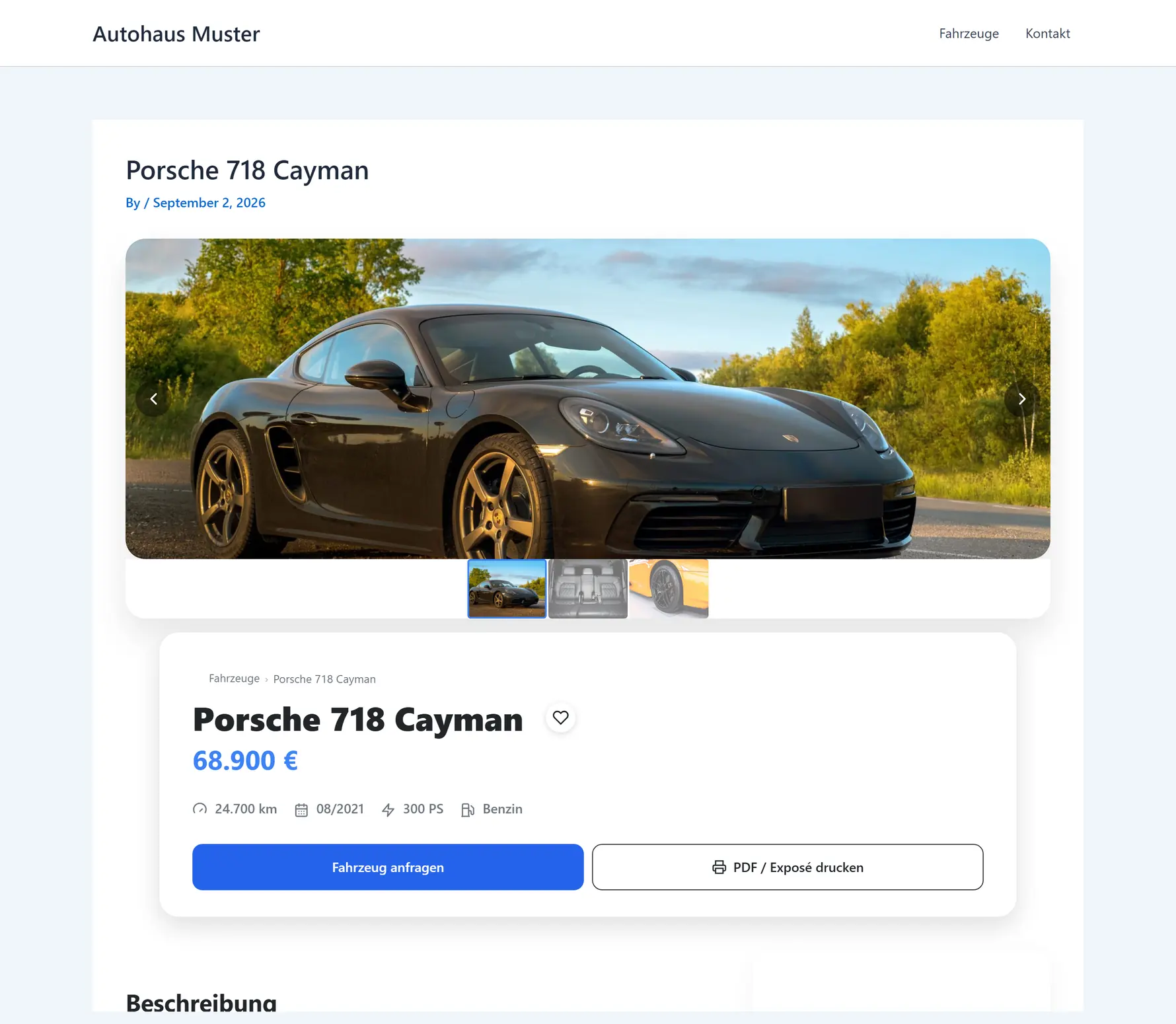
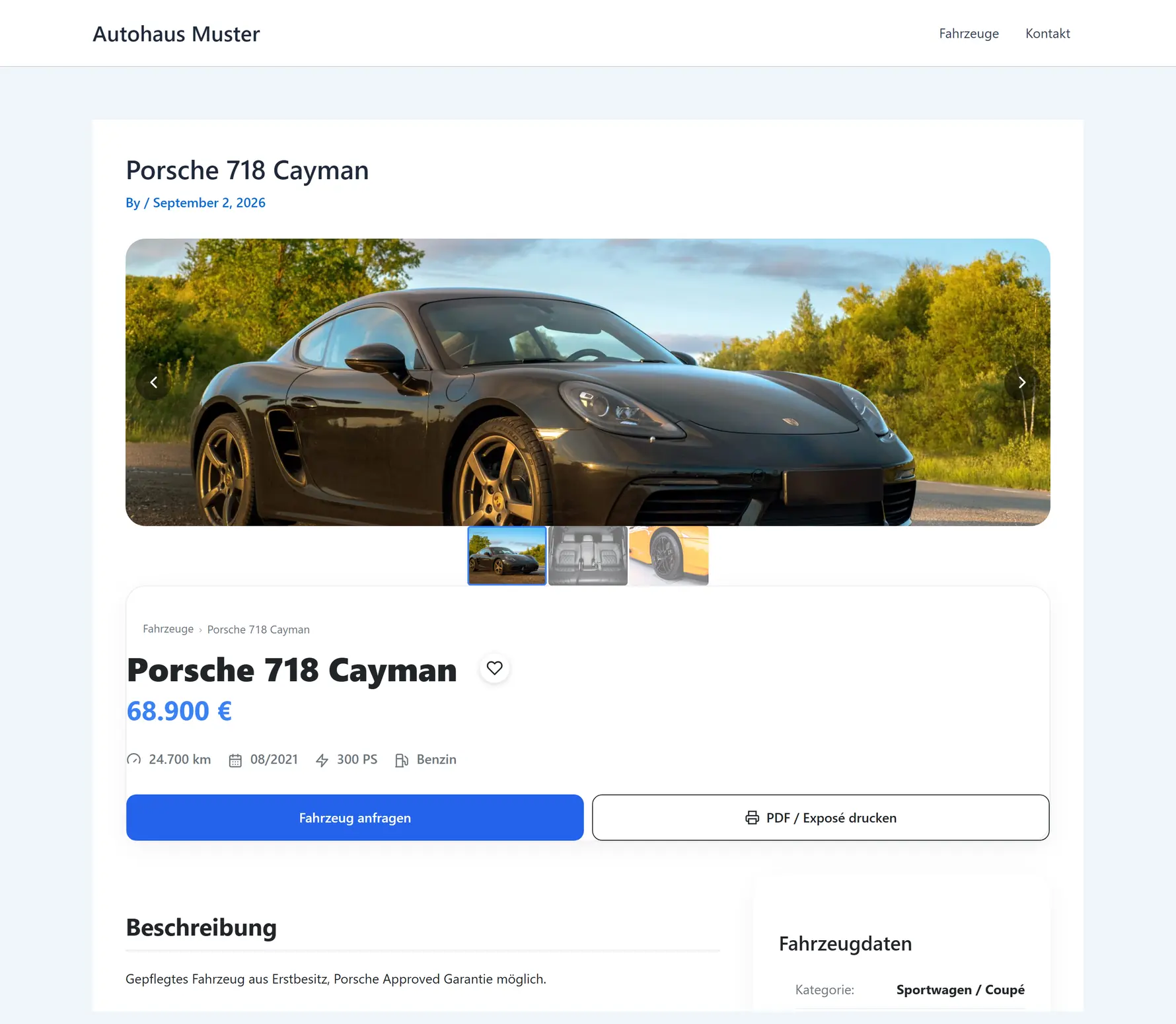
Photo left, price and enquiry button right. The familiar split.
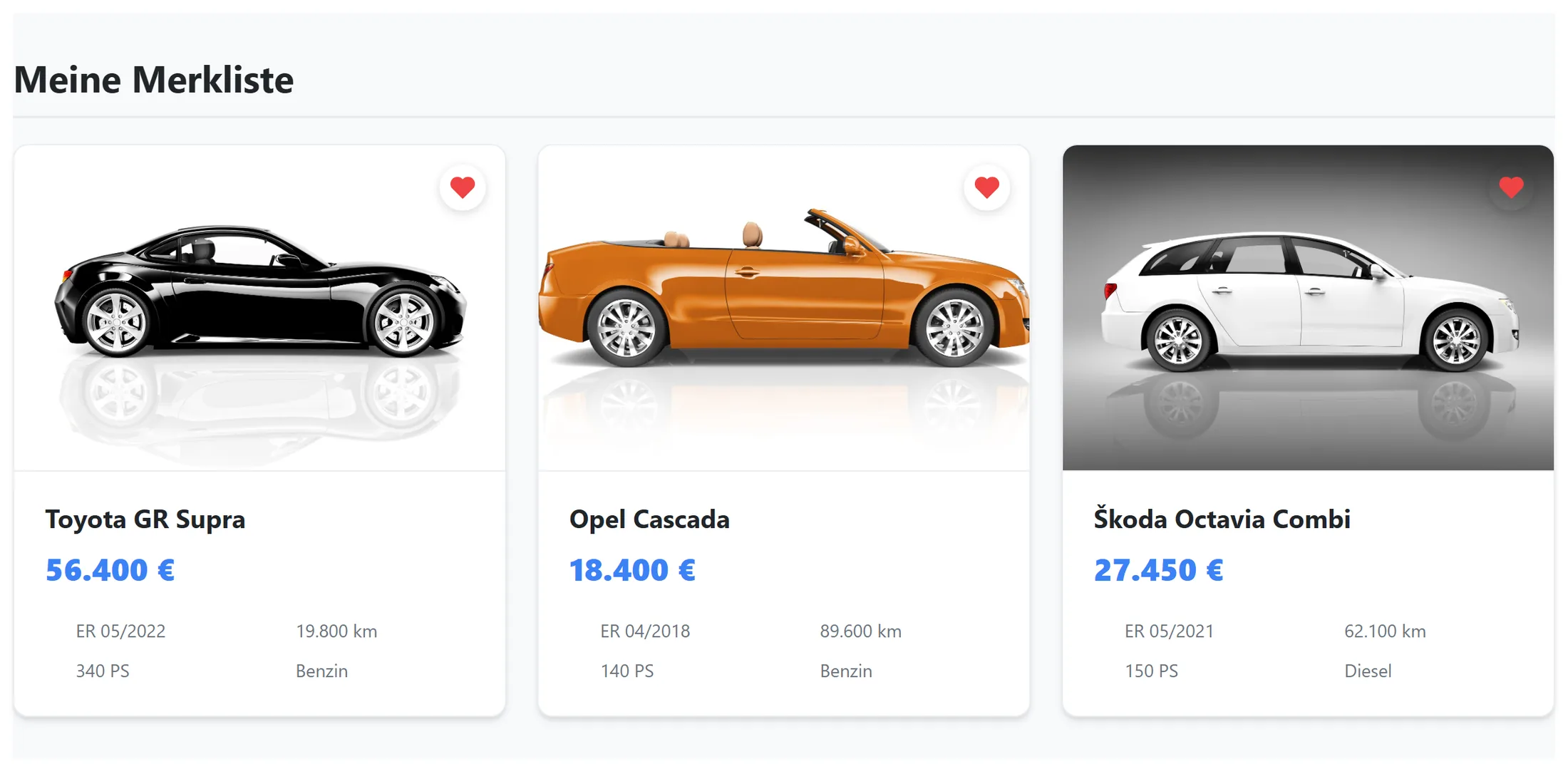
Shortlist
The shortlist stays put
A heart on every tile, and customers collect their favourites. They are still there in the evening, when the decision gets made.
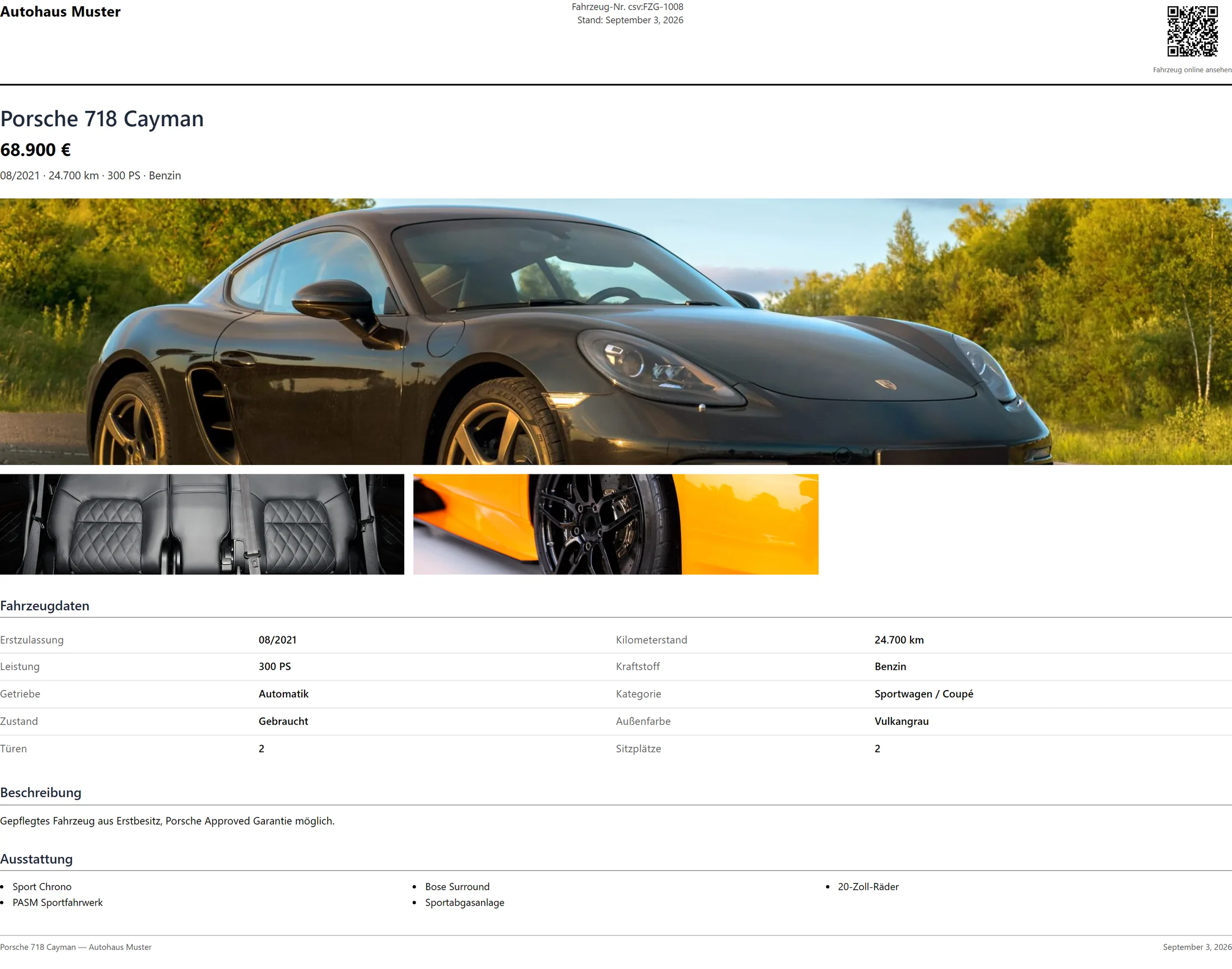
Data sheet
A car to take home as a PDF
One click and the customer has the car on paper: your name at the top, the photos, the price and a QR code back to the listing. Taken from the forecourt, found again that evening.
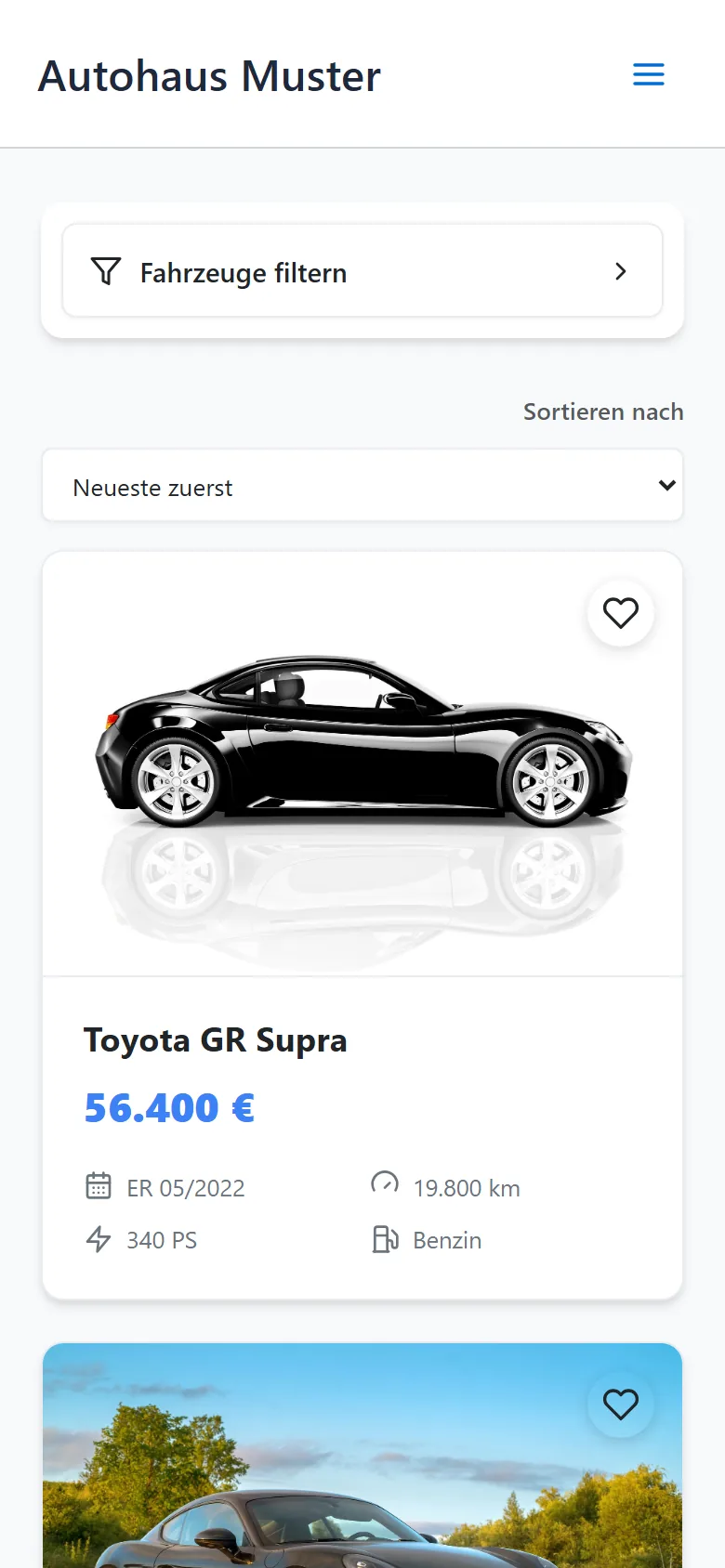
On the move
Most people search from a phone
On the sofa, at lunch, in a car park. Which is why the small view is not an afterthought: one column, big areas to tap, no pinching.
Settings
It looks like your website
Colours, corners and every visible text can be changed without anyone touching code. And an overview tells you what is still missing before you go live.
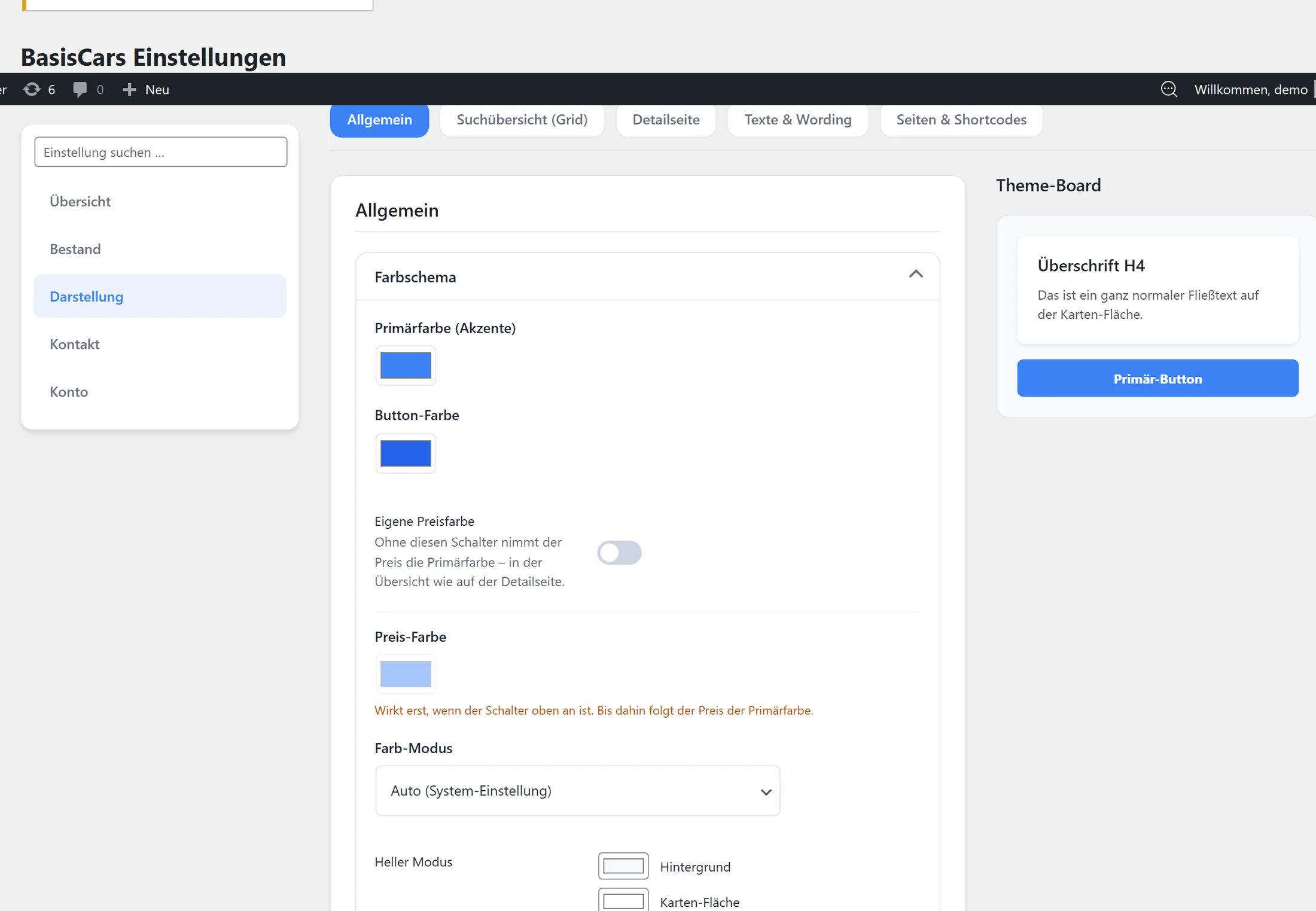
The mobile.de plugin's features at a glance
- Vehicle search with filters by make, price, mileage and fuel
- A dedicated page per vehicle, new and used cars alike, with its own address for Google
- Enquiry form right on the vehicle, enquiries by email and in the WordPress admin area
- Shortlist without registration
- Printable PDF data sheet (exposé) with QR code
- Mobile view in a single column
- Automatic import from mobile.de, sold vehicles disappear on their own
And behind it
The cars arrive automatically from mobile.de. Sold means gone, on your site too. And the enquiry form follows the rules without you having to think about it.